Speaker components
UOnsetVoipSpeakerComponent can be used to play a remote player's voice from a placed or spawned speaker actor in the level.
This is useful for things like loudspeakers, radios, intercoms, PA systems, cameras, or any actor where voice should come from the actor's location instead of only from the speaking player's pawn.
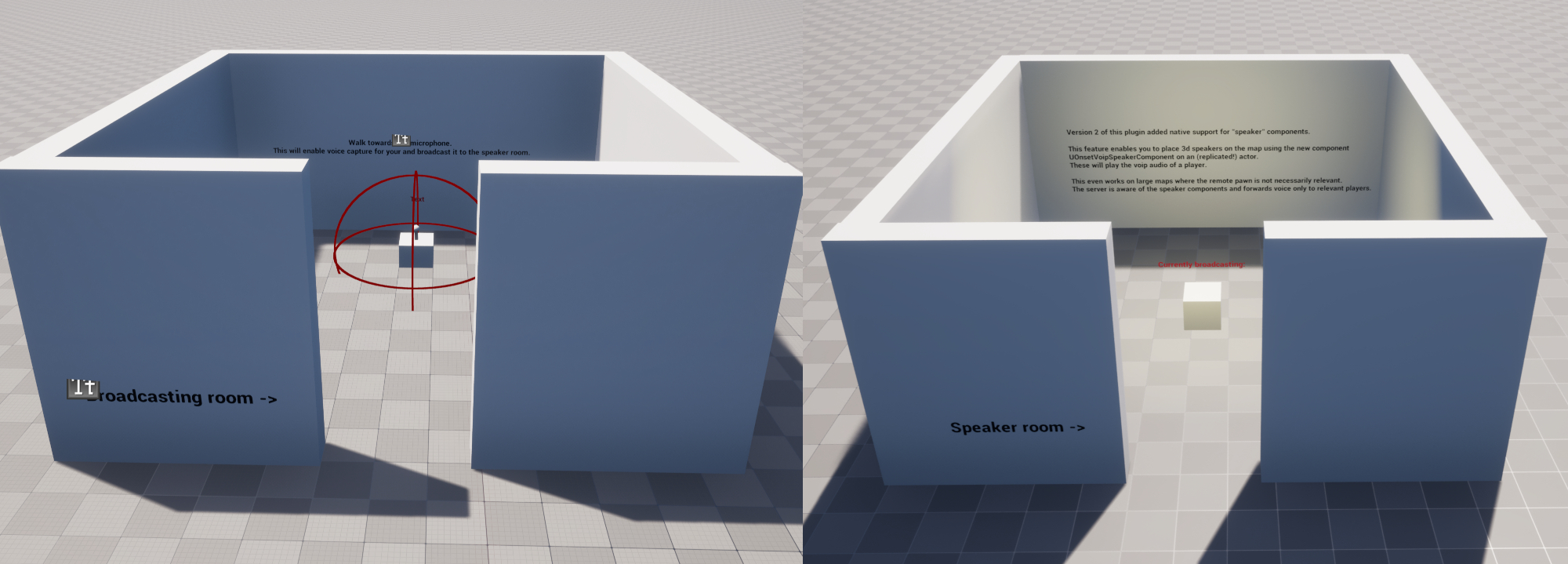
Setup
Create an actor blueprint for your speaker and add an OnsetVoipSpeakerComponent.
Make sure the actor that owns the speaker component is replicated. The component is replicated by default, but the owning actor must also replicate for other clients to know about it.
On the server, get the UOnsetVoipTalker for the player you want to play through the speaker and call SetTalkerForPlayback on the speaker component.
To stop the speaker from playing that player, call SetTalkerForPlayback again with no talker.
Network relevancy
The speaker uses the owning actor's normal Unreal network relevancy (IsNetRelevantFor), evaluated from the listening player's server-authoritative location. This respects Always Relevant, ownership, custom relevancy overrides, and the owning actor's cull distance, and it does not depend on client-reported camera data, so packet loss cannot leave speaker voice stuck at a stale listener location.
This means the speaker's range is controlled by the owning actor, not by the Onset VoIP setting MaxReplicationDistance. For distance-based speaker range, change the actor replication settings such as Net Cull Distance Squared.
Make sure the owning actor's Net Cull Distance Squared covers the entire area from which players should hear the speaker. A speaker actor that gets distance-culled stops receiving both the talker binding and the voice packets. Levels usually contain only a few speaker actors, so a generous cull distance or Always Relevant costs very little.
Speaker playback is part of the world/proximity voice channel (0). If a player has been removed from channel 0, or is muted on channel 0, their voice will not be routed through speaker components.
If you use ToggleVoiceCaptureWithChannel or ToggleVoiceCaptureWithChannels, speaker playback is only considered when the player is speaking on the world channel (0). A positive 2D voice channel hint will route through that 2D channel instead.
Audio settings
UOnsetVoipSpeakerComponent inherits from UOnsetVoipAudioComponent, so it uses the same sound wave, attenuation, source effect chain, and volume behavior as 3D voice playback.
The console variable voice.volume3d affects speaker components.
You can change attenuation and source effects on the component like you would on other runtime voice audio components.