Setting up push to talk
This section explains how to let a player talk over VoIP. The image below shows the setup used in the example project.
First, right-click in a Blueprint graph and look for OnsetVoipLocalPlayerSubsystem. The subsystem contains a function named ToggleVoiceCapture. Calling this function with Capture set to true lets the player speak through VoIP.
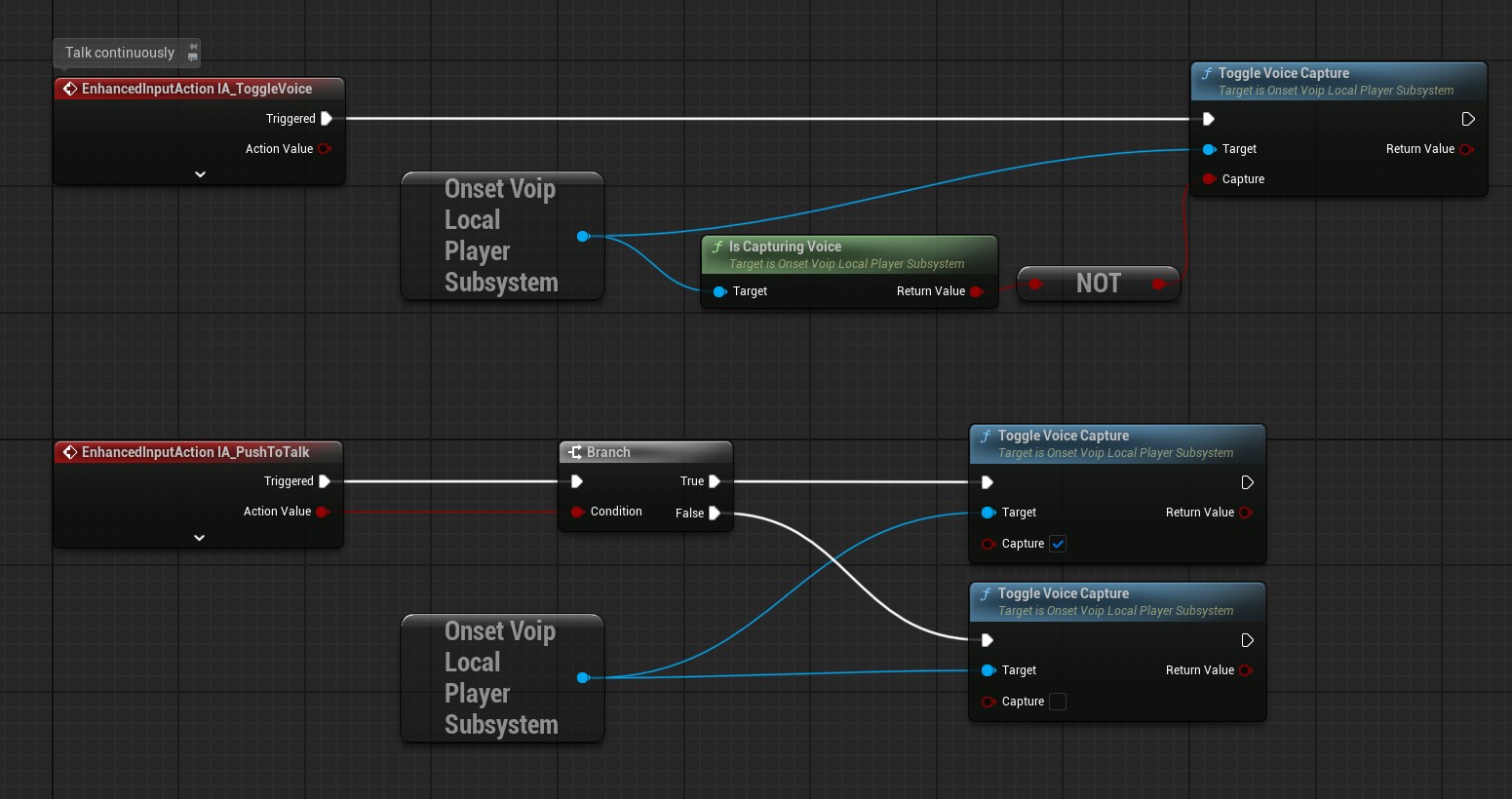
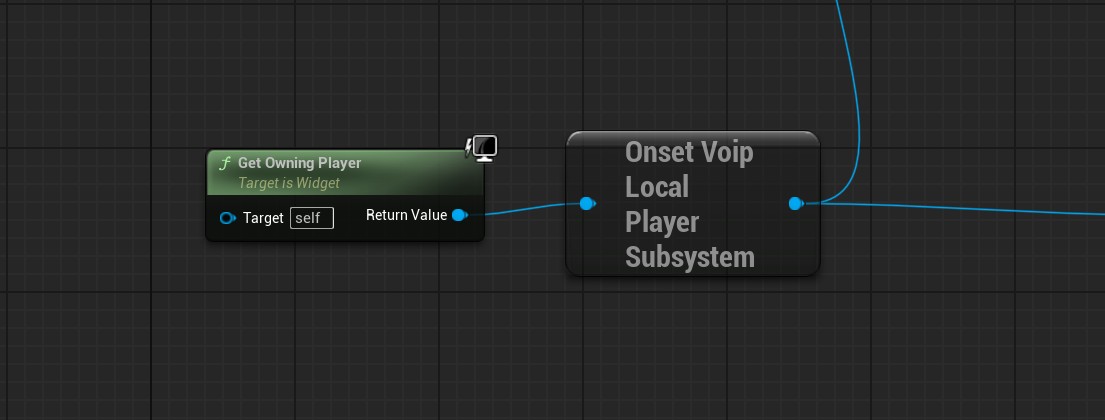
This functionality should be part of your PlayerController Blueprint, not the Character Blueprint. If you use it inside another class, you must use the OnsetVoipLocalPlayerSubsystem node that takes a PlayerController as input. Otherwise, the node will return null.
Here is an example where it is used in a widget Blueprint.
In some cases, you might want to limit the voice channels the player is able to talk in. For example, the keyboard shortcut C could talk in proximity and V could talk in a team channel.
This can be done with the function ToggleVoiceCaptureWithChannel. See the section “Voice Channels (2D)” to learn more about voice channels.