The VoIP plugin that you have been waiting for
Dynamic Voice Chat System
(aka Onset VoIP)
A feature-rich voice chat plugin for games and realtime Unreal Engine projects. Easy to use that lets you build gameplay features without relying on an external voice service.
Zero ConfigJust enable the plugin and get started
Works out of the boxNo third party services, just Unreal's networking
Cross platformWindows, macOS, Linux, Android, iOS and Pixel Streaming
Ships with sourceFull source code access
What you can ship
Voice systems for real gameplay
From proximity chat to radios, phones, team comms, PA systems, and world speakers, Onset VoIP gives you the building blocks for voice that fits the way your game is played, all inside Unreal.
- Supports proximity (3D), global, team and walkie talkie with the use of voice channels (2D).
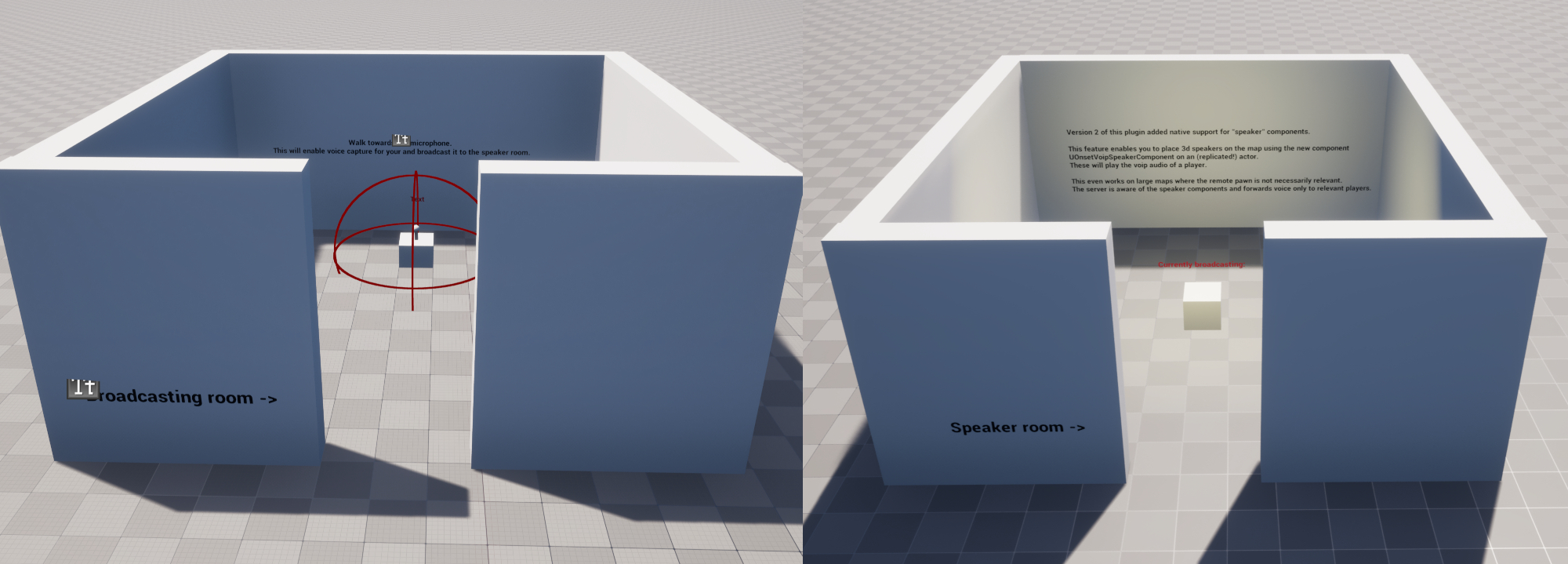
- Replicated speaker components for radios, PA systems, intercoms, cameras, vehicles, loudspeakers, and world props.
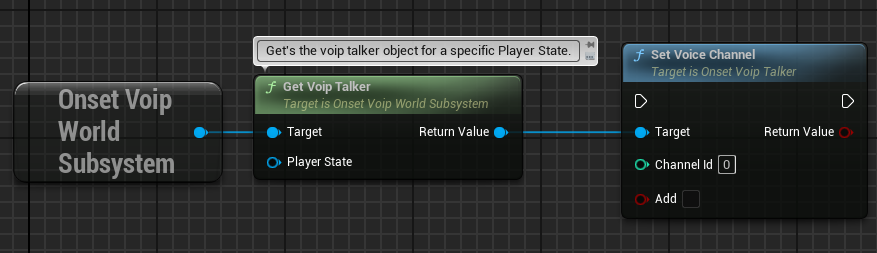
- Voice channel system that lets you create gameplay features like walkie talkies, cellphones or team voice chat.
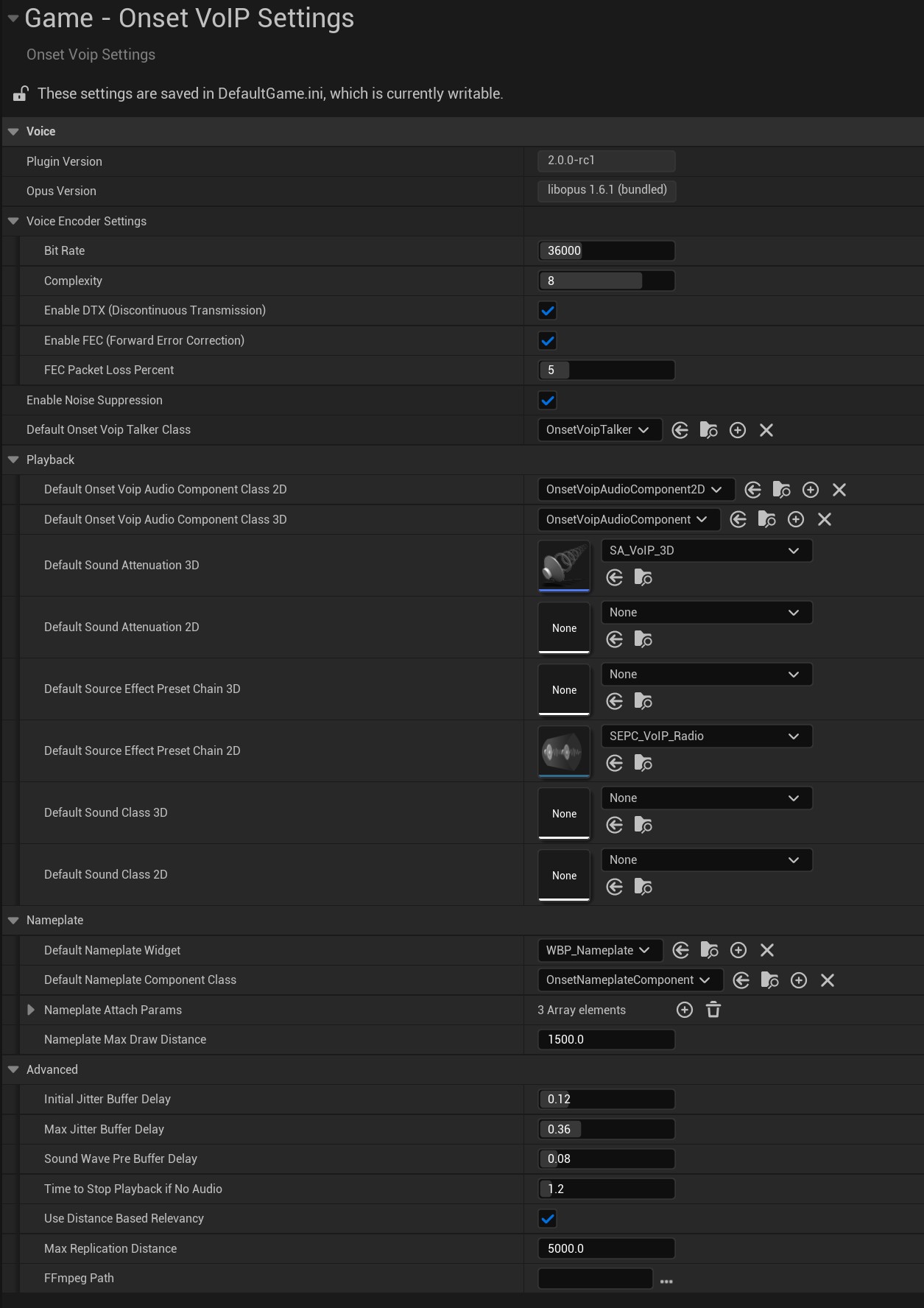
- Noise suppression using librnnoise.
- Lets you change volume, add SourceEffectChain and AttenuationSettings on a per player basis.
- No config changes required and works without editing pawn or character classes/blueprints.
- Nameplate widgets that display talking state and the player name above a character/pawn.
- Broad platform support including PixelStreaming.
- Unreal sessions are not required.
- Supports dedicated and listen servers.
- No third party service/server or dependencies needed.
- Delegates to detect when a player is talking.
- Uses custom network channel for voice data like the original engine implementation.
- Bandwidth optimized by sending voice data to relevant players only and using the latest libopus 1.6.1.
- Change input device (microphone) at runtime, including input gain and normalization.
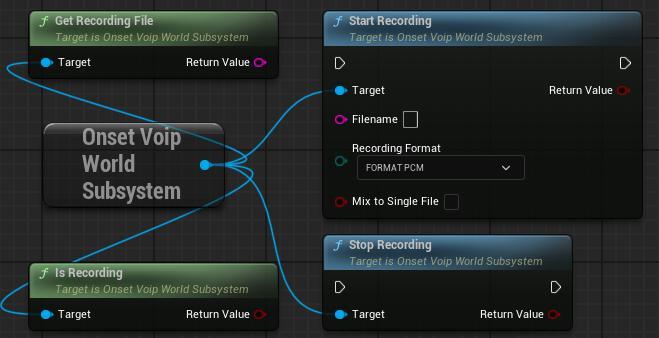
- Record VoIP audio to an audio file (PCM, WAV, MP3 using FFmpeg), even on dedicated servers.
Getting started
Jump into Onset VoIP
Try the runnable demo, inspect the example project, then use the setup docs to wire the same building blocks into your own game.
Ready to evaluate
Try the demo before you buy
The Fab listing links to a packaged demo and the example project source, so you can hear the plugin running before adding it to your own project.